
How to Make Money Selling Photos Online: Beginner Guide
If you already take photos on your phone, you may have wondered if you can turn those pictures into a simple side hustle.
The short answer is yes, it is possible to make money selling photos online.
But it is important to understand this clearly:
Selling photos online is not instant money. It is not guaranteed income. And it does not mean every random photo will sell.
It works best when you learn what kinds of photos people want, where photos are usually used, and how to start with simple pictures that have real value.
The good news?
You do not need to be a professional photographer to start learning. Many beginners start with basic photos taken on a phone or simple camera.
In this guide, I’ll walk you through how selling photos online works, what types of photos can sell, and how beginners can start in a simple way.
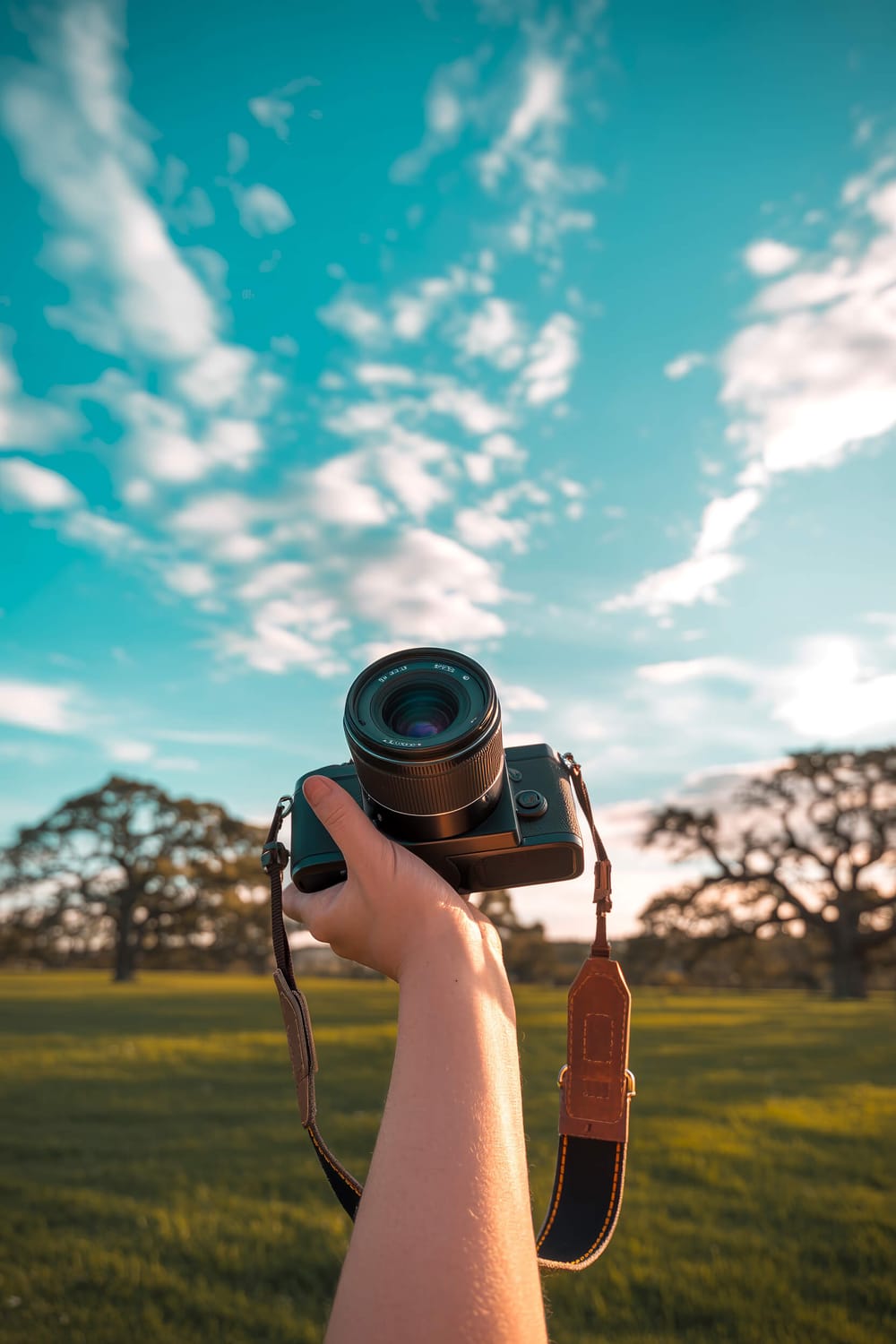
Quick Look
Can Beginners Make Money Selling Photos Online?
Yes — if you know what kinds of photos people actually need. You can start with a phone or simple camera, then learn how photo selling works step by step.
- Start with photos you already take
- Learn what types of photos may sell
- See how the beginner process works
Disclosure: I may earn a commission from links in this post (no extra cost to you).
Can You Really Make Money Selling Photos Online?
Yes, you can make money selling photos online, but it depends on a few things.
Your results can depend on:
the quality of your photos
what topics your photos cover
where you upload or submit them
how much demand there is
how consistent you are
People and businesses need photos all the time.
Photos are used for:
blog posts
websites
social media
ads
online stores
YouTube thumbnails
digital products
presentations
business content
That is why photo selling exists.
The internet runs on visuals.
Every day, creators, bloggers, business owners, marketers, and brands need new images. Some people buy stock photos. Some use photo marketplaces. Some look for unique images that feel natural and real.
This creates an opportunity for beginners who want to learn how photo selling works.
But again, the realistic way to think about it is this:
Selling photos online is a side hustle skill.
You learn it.
You test it.
You improve over time.
What Kinds of Photos Can Sell Online?
Not every photo has the same value.
A random blurry photo of your lunch may not sell.
But a clean, useful photo that fits a clear topic can be more valuable.
Some photo types that can work well include:
1. Lifestyle Photos
These are photos that feel natural and everyday.
Examples:
coffee on a desk
person working on a laptop
morning routine setup
home office corner
notebook and phone on a table
healthy breakfast
cozy reading setup
Lifestyle photos are popular because they can be used in blogs, social posts, emails, and ads.
2. Work From Home Photos
This is a strong category because many websites talk about online jobs, remote work, productivity, and side hustles.
Examples:
laptop workspace
desk setup
phone and planner
person typing
simple home office
coffee and laptop scene
These types of photos can be useful for business and money-related content.
3. Food and Drink Photos
Food photos are used everywhere online.
Examples:
smoothies
coffee
tea
salads
easy meals
healthy snacks
meal prep containers
The key is to make the photo look clean, bright, and useful.
4. Travel and Local Photos
Travel photos can also be useful, especially if they show places, streets, nature, hotels, beaches, cafes, or city views.
But beginner travel photos should still look clear and well-composed.
5. Nature Photos
Nature photos are simple to start with, but they can be competitive.
Examples:
flowers
mountains
beaches
sunsets
forests
leaves
plants
sky photos
To stand out, the photo should feel clean and useful for a specific purpose.
6. Business and Productivity Photos
These can work because many online businesses need visual content.
Examples:
laptop and notebook
calendar
checklist
desk flat lay
phone with blank screen
workspace setup
simple office tools
These are great beginner photo ideas because you can create them at home.
Want to Learn How PhotoJobz Works?
PhotoJobz is a beginner-friendly photo side hustle membership that helps you learn how selling photos online works, where photo opportunities may come from, and how to get started step by step.
You might like – 10 Best Ways to Save Money on a Low Income
Do You Need a Professional Camera?
No, not always.
You do not need an expensive camera to start learning how to sell photos online.
A good smartphone can be enough for beginner practice, especially if the photos are:
clear
bright
not blurry
useful
simple
well-framed
That said, a camera can help with higher-quality photos later.
But beginners should not let gear stop them.
Many people delay starting because they think:
“I need a better camera first.”
But the better way to start is:
Use what you already have.
Learn what photos people want.
Practice taking cleaner images.
Improve slowly.
Your phone is enough to begin learning the process.
What Makes a Photo More Useful?
A photo is more likely to be useful when someone can imagine using it in content.
Before taking a photo, ask:
“Could a blogger, business owner, or creator use this?”
For example, a photo of a messy desk may not be useful.
But a clean photo of a laptop, coffee, and notebook could be used for:
work from home blog posts
productivity articles
online business content
Pinterest pins
email graphics
course pages
That is the difference.
You are not just taking a pretty picture.
You are taking a photo that can solve a visual problem for someone else.
Simple Photo Ideas Beginners Can Try
Here are some easy photo ideas you can test at home:
Home Office Photos
Take photos of:
laptop on a desk
notebook beside coffee
phone on a clean table
planner and pen
simple workspace
hands typing on keyboard
These work well because they fit many online topics.
Phone Photography Photos
Take photos of:
phone on a table
phone with notebook
phone beside coffee
phone with blank screen
person holding phone
These can be used for tech, business, apps, and online work content.
Food and Drink Photos
Take photos of:
coffee cup
tea mug
smoothie glass
breakfast plate
meal prep bowl
healthy snack
Keep the background clean and natural.
Lifestyle Photos
Take photos of:
morning routine
cozy reading setup
clean bedroom corner
simple kitchen scene
hands writing in notebook
casual laptop setup
These photos feel real and useful.
Outdoor Photos
Take photos of:
clean street view
nature walk
flowers
beach
park
sky
local cafe outside
Try to avoid clutter in the background.
How to Take Better Photos as a Beginner
How to Take Better Photos as a Beginner
Just focus on the basics.
Use Natural Light
Natural light can make your photos look much better.
Try taking photos near a window or outside during soft daylight.
Avoid harsh shadows when possible.
Keep the Background Clean
Simple backgrounds usually work better.
A clean table, wall, blanket, desk, or outdoor scene can make the photo easier to use.
Avoid Blurry Photos
Before saving or uploading, zoom in and check if the photo is clear.
Blurry photos are harder to use.
Leave Some Empty Space
This is a simple trick.
Photos with empty space can be useful because designers can add text later.
For example:
empty space above a laptop
empty space beside a coffee cup
clean background behind the main object
This works especially well for Pinterest, blogs, ads, and social media images.
Take Multiple Angles
Do not take only one photo.
Take a few versions:
close-up
flat lay
side angle
wide shot
vertical shot
This gives you more options.
Related Reading: 3 Simple Options to Explore When Money Feels Tight
Where Do Beginners Usually Start?
Beginners usually start in a few ways.
Some people use stock photo websites.
Some use beginner photo programs.
Some sell photo packs.
Some use creative marketplaces.
Some learn through a photo side hustle guide first.
The best choice depends on your skill level and your goal.
If you are brand new, the most important thing is not to overcomplicate it.
Start by learning:
what kinds of photos people buy
how photo selling works
what quality level is expected
where photos can be submitted
what mistakes to avoid
You do not need to master everything in one day.
You just need to understand the process and start practicing.
Common Mistakes Beginners Make
Selling photos online sounds simple, but beginners often make a few mistakes.
Here are the big ones to avoid.
Mistake 1: Taking Photos With No Clear Use
A photo may look nice, but if nobody can use it, it may not sell.
Try to take photos that fit a clear topic.
Examples:
work from home
health
food
travel
business
lifestyle
family
fitness
home decor
Useful photos usually perform better than random photos.
Mistake 2: Uploading Low-Quality Images
Dark, blurry, messy, or low-resolution photos are harder to use.
Before submitting or selling photos, check:
is it clear?
is the lighting good?
is the background distracting?
does it look useful?
would someone use this in a blog or ad?
Mistake 3: Expecting Fast Results
This is a big one.
Selling photos online is not a “get paid instantly” trick.
It may take time to learn what works.
The best mindset is:
test, improve, and stay realistic.
Mistake 4: Copying Other People’s Photos
Never steal photos from other people.
Use your own photos.
Also be careful with logos, private property, faces, and anything that may need permission.
Mistake 5: Only Taking Horizontal Photos
Vertical photos can be very useful for Pinterest, social media, phone screens, and online graphics.
Take both:
vertical photos
horizontal photos
This gives your photos more possible uses.
Can You Sell Photos Taken With Your Phone?
Yes, you can start with phone photos.
A smartphone can take strong photos if you use it well.
Focus on:
good lighting
clean background
clear subject
simple composition
no blur
useful topics
Phone photos can be especially good for lifestyle images because they feel natural.
This can actually be a good thing.
Many brands and creators do not always want photos that look too staged. Sometimes they want photos that feel real, simple, and relatable.
That makes phone photography a good beginner starting point.
You might like – 9 Work From Home Career Ideas to Explore
Simple Beginner Photo Plan
Here is a simple plan you can follow.
Step 1: Pick One Photo Category
Do not try everything at once.
Start with one category, such as:
work from home photos
coffee photos
food photos
lifestyle photos
phone photos
travel photos
Pick something you can take easily.
Step 2: Take 30 Practice Photos
Take 30 photos around one theme.
For example, if you choose “work from home,” take photos of:
your laptop
your desk
coffee and notebook
your phone
your planner
your keyboard
your workspace from different angles
This helps you build a small practice collection.
Step 3: Choose Your Best 10
Do not use every photo.
Pick the best ones.
Look for photos that are:
clean
clear
bright
useful
not too cluttered
Step 4: Learn Where Photos Can Be Used
Think about who may use your photos.
Could the photo work for:
a blog post?
a Pinterest pin?
a website?
an ad?
a social media post?
an email newsletter?
This helps you understand the value of your photos.
Step 5: Learn the Photo-Selling Process
Once you understand the basics, you can look into places or programs that explain how to submit, sell, or use photos for side income.
This is where a beginner photo guide can help.
Best Photo Topics for Beginners
Here are some beginner-friendly photo topics to consider.
Work From Home
Great for blogs, business content, productivity pages, and side hustle websites.
Coffee and Tea
Useful for lifestyle blogs, wellness content, morning routine posts, and social media.
Healthy Food
Great for recipe blogs, health content, meal planning, and Pinterest.
Simple Home Life
Photos of cozy spaces, notebooks, routines, and home details can work well.
Travel and Local Places
Good if you live near interesting streets, cafes, nature spots, or landmarks.
Technology
Phones, laptops, tablets, keyboards, and desk tools are useful in online content.
What Should Beginners Expect?
Beginners should expect a learning curve.
At first, your photos may not be perfect.
That is normal.
You may need to learn:
better lighting
better angles
what topics are in demand
how to keep images clean
how to avoid common mistakes
where photos can be submitted or sold
The goal is not to become perfect overnight.
The goal is to start learning and improve your photo quality over time.
Think of this as a simple skill-based side hustle.
The more you understand what people want, the better your photos can become.
Is Selling Photos Online Worth Trying?
Selling photos online can be worth trying if you enjoy taking pictures and want a simple creative side hustle to explore.
It may be a good fit if:
you already take photos often
you like creative work
you want to learn a beginner-friendly online skill
you have a phone or camera
you are willing to practice
you understand that results are not guaranteed
It may not be a good fit if:
you want instant money
you do not want to learn
you expect every photo to sell
you do not want to improve your photo quality
you want guaranteed results
This side hustle works best for people who are patient, curious, and willing to test.
Ready to Explore PhotoJobz?
If selling photos online sounds like something you want to test, PhotoJobz gives you a simple place to learn the process, explore photo-related opportunities, and understand how this side hustle works before you go deeper.
Related Reading: Where to Sell Photos Online for Beginners
Final Thoughts
You can make money selling photos online, but the smartest way to start is with realistic expectations.
You do not need to be a professional photographer.
You do not need expensive gear to begin learning.
You can start with simple photos from your phone, focus on useful topics, and learn what kinds of images people actually need.
Start small.
Take better photos.
Learn the process.
Avoid hype.
And treat this like a real beginner side hustle skill.
If you want more simple online side hustle ideas, I put together a free beginner guide that shows a cleaner way to think about online income, traffic, and simple setup. You can get the free guide here . No pressure — it is just a helpful next step if you want to keep learning.

Free guide for beginners who want a simpler starting point
🎯 Ready to See the Free Guide?
Download the guide and explore the simple setup inside.
🔒 100% Secure • No Spam • Unsubscribe Anytime

A blog sharing practical tips on online tools, affiliate marketing, beginner-friendly workflows, and working from home.


